Build products like a playable system.
Dunareqoli turns product practice into a hands-on arcade: pick a level, tune the controls, run a playtest, inspect the signal, and make a clearer next move.
No spectator mode: every module asks you to frame, test, or debug a product decision.

Where play becomes practice.
The arcade is a short sequence of product moves: use it as a map for a course, a project sprint, or a deliberate reset when the work feels fuzzy.
Pick a level. Reveal the next mission.
These are learning routes, not a fixed ladder. Select a card to reveal the decision it trains.
Level 01 — Signal Finder
Bring a messy brief, a real constraint, or a question that is too broad. Map the people around it, identify what is actually changing, and turn a vague opportunity into a testable product premise.

What to bring to the console.
There are no secret entry requirements. A useful starting kit makes the work concrete and gives the group something real to discuss.
A live question
A product decision, service moment, workflow, or constraint you genuinely want to understand.
A rough artefact
Notes, a screen, a flow, a sketch, or a mental model are all appropriate starting material.
Permission to revise
Come prepared to replace an assumption when the evidence asks you to.
Make a move, then watch what it makes possible.
Our booths isolate a product skill long enough to practice it, then reconnect it to the broader system.
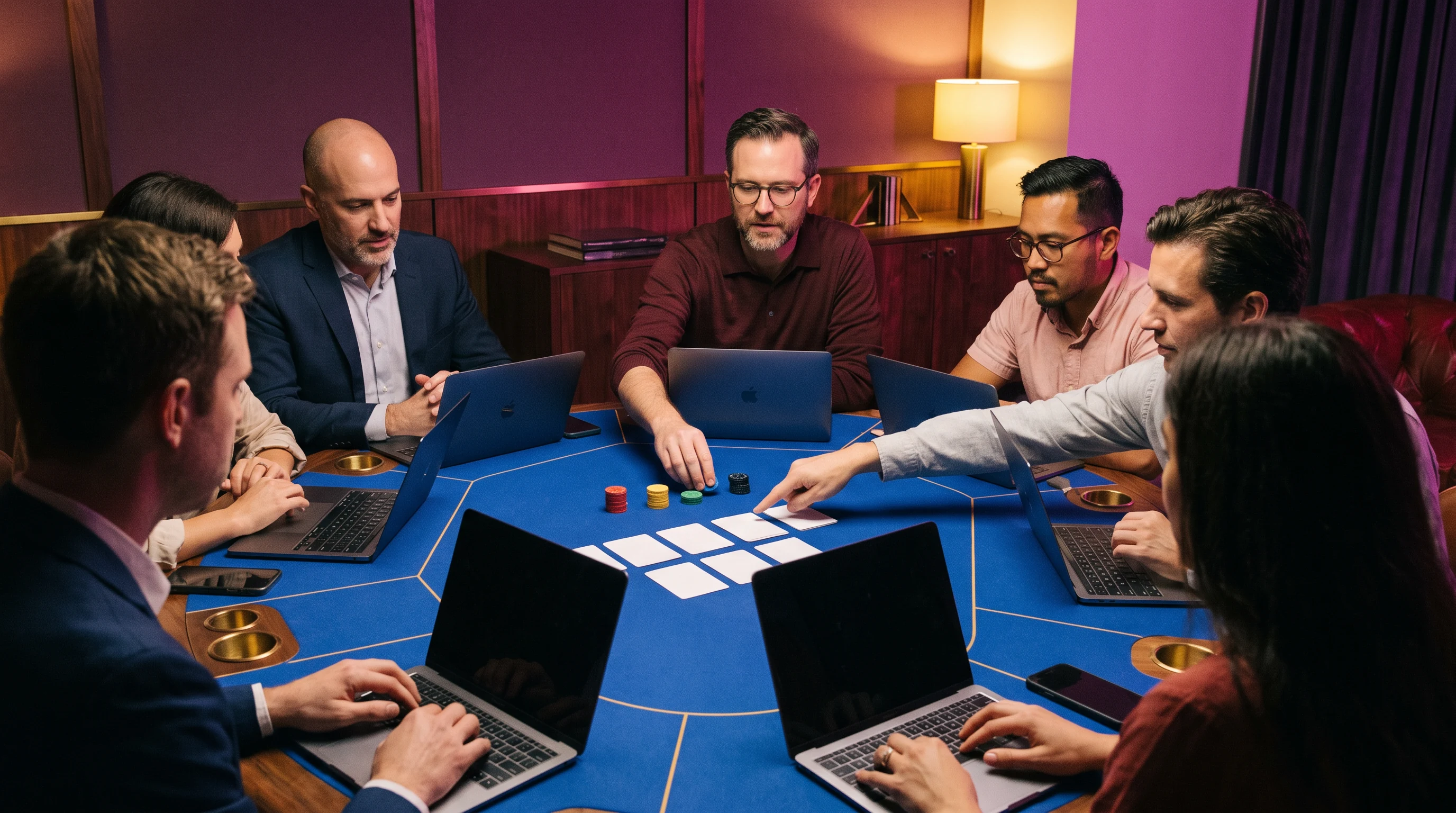
Three playable stations
Each booth starts with a short prompt and ends with a decision record. The emphasis is on observable work: a premise, a prototype, a test plan, or a repaired handoff.
Tune the experiment before you run it.
Move the slider to set the intensity of a fictional test. Low intensity privileges observation; high intensity deliberately explores edge conditions. In product work, calibration is choosing the conditions that will make the next decision clearer.
Debug the board, not the person.
A debugging board makes assumptions, observation, and next actions visible together. It is a shared place for saying what is known, what is uncertain, and what to try next.
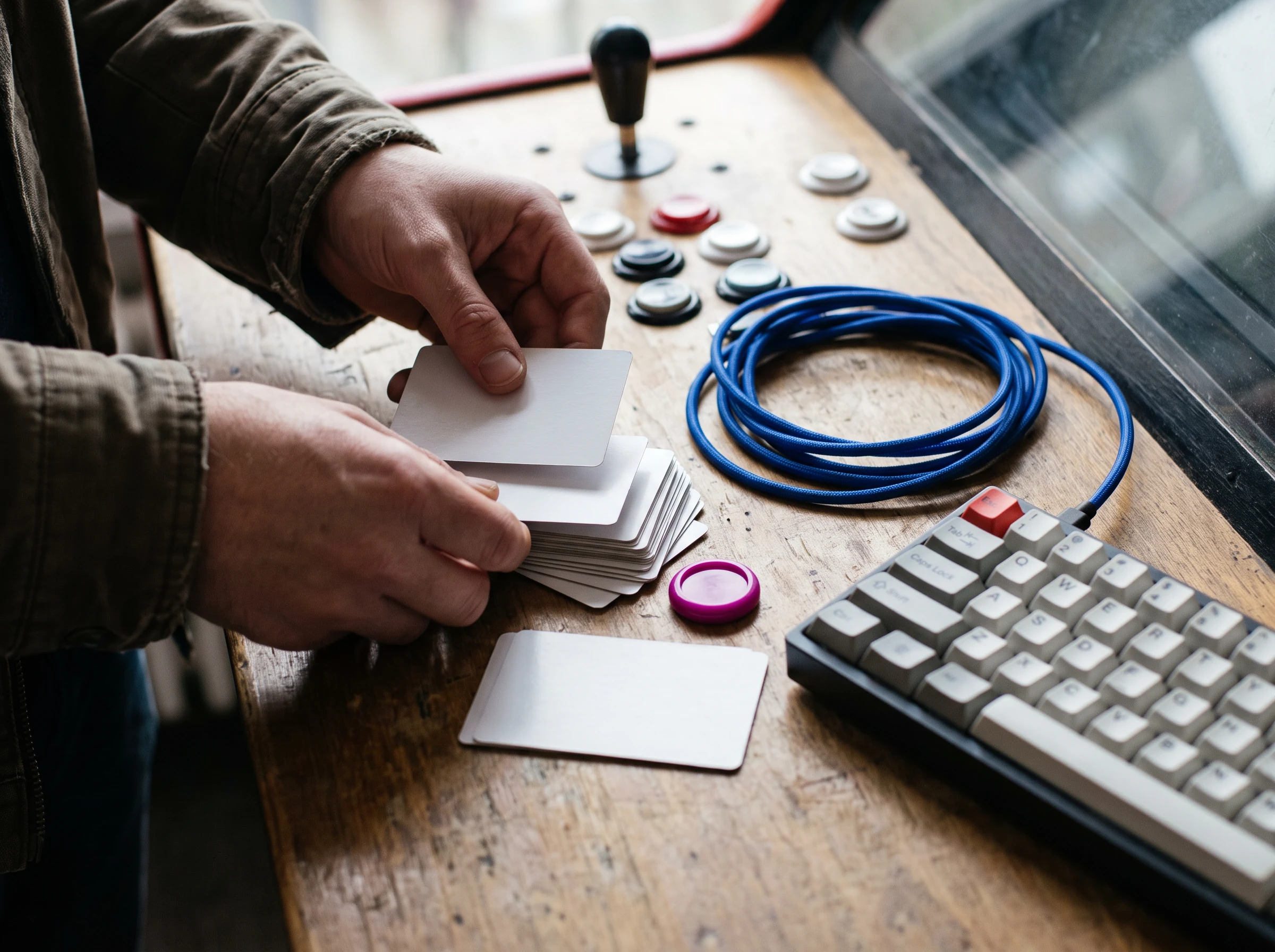
Bring the sticky bit to the table.
Clinic sessions are structured co-op: describe the snag, show the artefact, and let a small group help isolate the system around it. The aim is not an instant verdict; it is a useful next experiment.
1. Pin the moment
Name where a person, process, or prototype loses momentum. Specificity gives the group something to inspect.
2. Choose one repair
Leave with a change small enough to make, observe, and communicate without pretending the entire system is solved.
Keep the next move in view.
Release is a practice of clarity. Use a short quest log to turn experimentation into work another person can find, understand, and continue.
Write the changed assumption
Record what you used to believe and what the latest observation now suggests.
Attach the evidence
Link the artefact, screen, note, or observation that gives the decision context.
Set the next owner
State who will make the next move and what question they are carrying forward.
A build-pass is a readable next step, not a badge.
When a lesson, test, or clinic ends, the important part is the handoff: what changed, why it changed, what remains unknown, and who can use that context next.
Start a build-pass requestBefore you press start.
No. The arcade language is a way to make systems practice approachable, not a job-title filter. It is useful for designers, engineers, researchers, educators, founders, operations practitioners, and cross-functional teams who need a more concrete way to examine a product decision. Bring a real piece of work and a willingness to test assumptions.
No polished project is required. A question, a half-built flow, a difficult handoff, a recurring support issue, or a rough sketch is enough material. The point of the levels and booths is to help you make the work more observable. Starting early can be valuable because it keeps the experiment small and easier to revise.
A booth is a contained practice session. You receive a prompt, choose an artefact or create a lightweight one, and decide what behaviour would be useful to observe. The work is discussed through the lens of the system: entry points, states, friction, feedback, and handoff. It is a learning format, not a claim that one short session can validate an entire product.
The form is a browser-only request interface and displays a confirmation on this page; it does not transmit your information from this static site. Use the message to organise what you want to explore, then retain your own copy of the details. If you later contact Dunareqoli through an agreed channel, describe the learning level or clinic question that is most relevant.
Tell the arcade what you want to playtest.
Use this local form to shape a request. It stays in your browser and shows a success note when the required fields are complete.